Connect Your Concept2 PM5 via Web Bluetooth
ErgVerse communicates directly with your Concept2 PM5 monitor using native Web Bluetooth. No companion apps, ANT+ dongles, or driver installations are required.
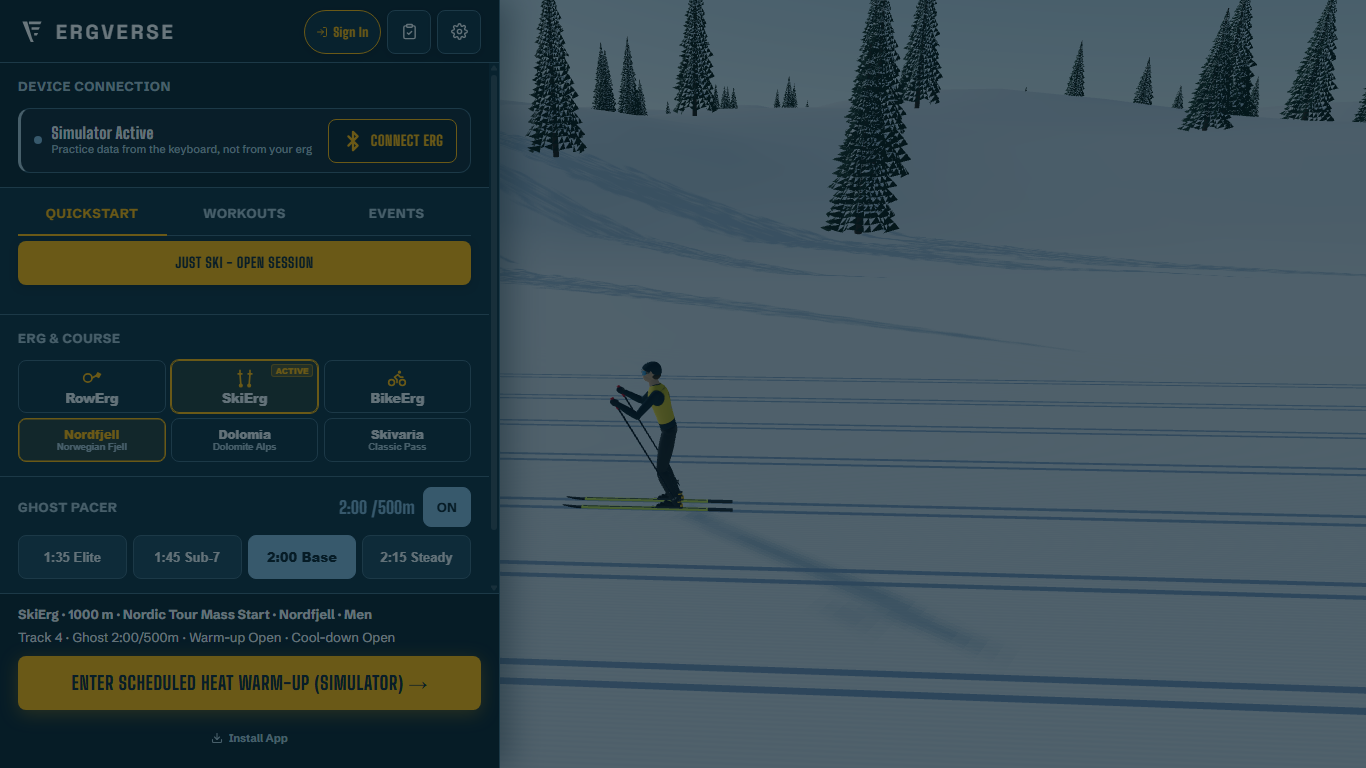
Instant Access · No Account Required
When you click Launch, ErgVerse starts instantly in your web browser. You do not need to register an account or provide payment information. You can row, ski, or cycle as a guest right away, or connect your Concept2 and Strava accounts whenever you want to sync workouts.
How to Connect in 3 Simple Steps
Turn on PM5 Bluetooth
Press Menu to turn on your Concept2 PM5. Press the Connect button on the monitor face so the display reads "Connect: Turn On Bluetooth".
Open ErgVerse
Visit ErgVerse in Google Chrome, Microsoft Edge, Opera, or Bluefy on iOS. No browser extensions or plug-ins are needed.
Click Connect Erg
Click "Connect Erg" in the ErgVerse lobby, choose your PM5 monitor serial number from the browser dialog, and click Pair.
Result: Instant Live Telemetry
The connection bar turns green. Flywheel watts, stroke rate, split pace per 500m, and distance updates stream directly into your browser at 10 Hz with zero latency.
Browser & Operating System Support
Fully Supported Browsers
Google Chrome, Microsoft Edge, and Opera have full native Web Bluetooth support across Windows 10/11, macOS, Linux, ChromeOS, and Android.
iOS & iPadOS Support
Apple Safari on iOS does not support Web Bluetooth. iOS athletes can use the free Bluefy BLE browser to connect directly to the PM5.
macOS Safari & Firefox
Web Bluetooth is not currently enabled in standard desktop Safari or Firefox. In those browsers, athletes can test courses using the interactive Simulator or spectate via TV mode.
Connection Troubleshooting
If your PM5 does not appear in the Bluetooth list, verify that no other phone or tablet app (like ErgData) is actively connected to the monitor, as Bluetooth Low Energy allows one master connection at a time.